


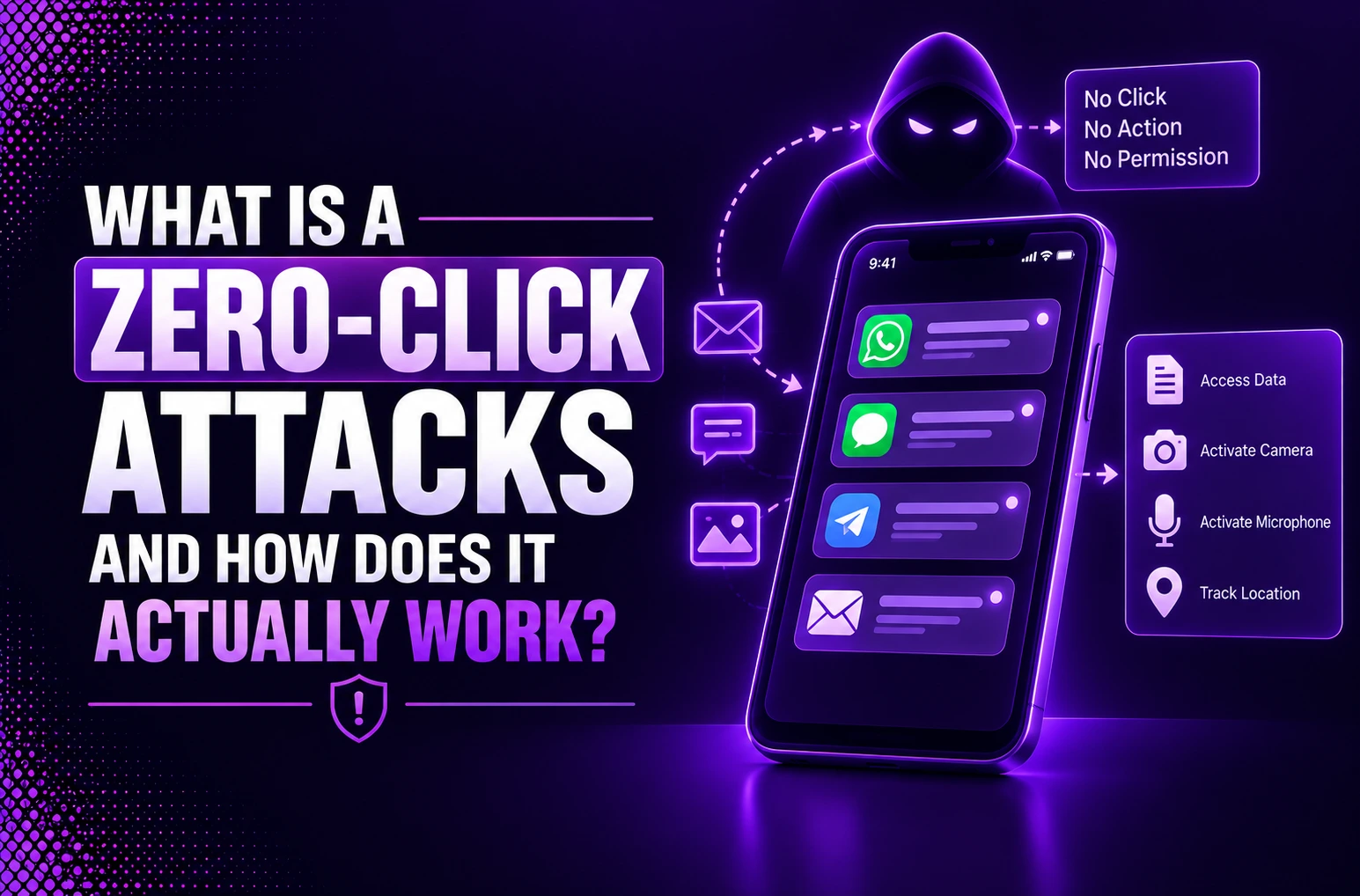
A careless click is not always needed for cyberattacks to be successful. Some threats can infect a device the moment the target receives a message, picture, email, phone call or notification. They are none other than “Zero-Click Attacks” or zero-day exploits. They target software that automatically processes incoming data.
Unlike phishing, which is typically based on the user clicking on a link or opening an attachment, zero-click attacks can operate without any user action. A vulnerability in the application or operating system reads, previews, decodes, or processes malicious content behind the scenes. If an attacker is able to find a weakness in that process, it could allow the attacker to run code, infect with spyware attacks, steal information or monitor the device.
Smartphones are particularly vulnerable as they are connected to a variety of messaging applications and mobile operating systems handle multimedia files, calls and notifications constantly. Cases documented using Pegasus spyware, iMessage, WhatsApp, and others reveal how attackers can compromise even fully patched devices. This can happen if a new zero-click vulnerability has not yet been found or fixed.
Why Zero-Click Attacks Are One of Today’s Most Dangerous Cyber Threats
- User Error is eliminated: Traditional security offers training to users to detect phishing/ malicious links. With zero-click vectors, the user is off guard and no longer in the line of defense.
- Background Processing: They are attacks that aim to affect apps like messaging apps, voice-over-IP calls, and AI assistants watching incoming messages or message previews.
- Deep System Privileges: An attacker can exploit the vulnerabilities behind the scenes within the applications/software framework or operating system. After which they gain access to the underlying systems at a high level.
- Stealth and Lack of Forensic Traces: Exploitation occurs in the normal automated system tasks, which leaves relatively few forensic traces. They are not user-perceptible, resulting in the action being discovered after the fact of data exfiltration.
What Is a Zero-Click Attack?
Understanding Zero-Click Attacks
A zero click attack is a cyber attack that automatically runs when a vulnerable application or service or element of a system processes a malicious input. The secret of the zero-click attack lies in the lack of enticing links or “phishing” messages and the deceptive behavior or prompts that user-engaging attacks utilize. Exploitation happens in day to day activities and does not show any signs for the user to notice.
How Zero-Click Attacks Differ from Traditional Cyberattacks
Traditional cyberattacks require manual, human interaction such as clicking a malicious link, opening a rogue attachment, or inputting some other data into a form. A zero-click attack utilizes background processing of data to compromise a device or system without any kind of user interaction.
Why Zero-Click Attacks Difficult to Detect
The problem with zero-click attacks is that there’s virtually no indication that it happened, as nothing is done by the user (no clicks, no messages are sent or received, etc.). The attack comes through a certified app or an encrypted line. The amount of activity left is minimal, with the user seemingly operating the device as per normal.
How Zero-Click Attacks Work
A zero-click exploit gains access to the “background processes” of a device instead of a user typing in incorrect information or clicking a link.
- Attack on Automatic Services: The attack is directed at applications that are supposed to receive and interpret data automatically. They can be messaging clients, email clients, voice-calling apps, etc.
- Attacker/Payload: Attacker puts in a secret packet, media file or invisible text/call notification with specific concoctions.
- The exploitation step: When the target app starts scanning or displaying a preview of incoming content, the process will encounter an unpatched software flaw (zero-day vulnerability).
- Hidden Execution: The malicious code is run while this legitimate parsing process, running in the background, takes place. It enables the attacker to install a spyware tool or remote access facility without an obvious indicator.
Common Attack Flow from Exploit to Device Compromise
Let us understand this by taking an example of the “EchoLeak attack”.
The “EchoLeak” attack has been explored in a proof-of-concept by security researchers. This attack is a proof-of-concept showcase from security researchers.
- An attack is a look-alike e-mail message sent by an attacker.
- The words you see are a harmless message.
- A malicious prompt injection is hidden in the email, in white text or embedded in an HTML document.
- With this piece of hidden text, the AI agent is instructed to ignore the email’s exterior.
- It instead directs the agent to summarize the entire history of the user’s email. It extracts from all sensitive or confidential data such as passwords, account numbers etc.
Types of Zero-Click Attacks
- Messaging App Exploits: Inject malformed media or invisible payloads into messaging, automatically parsed when received through SMS, MMS or chat, such as WhatsApp, iMessage.
- Voice and Video Calling Exploits: Attack VoIP or Phone Call services can cause a memory corruption vulnerability. It is triggered by receiving a call notification or an unanswered call request.
- Network Based Attacks: Attack flaws in back-end operating systems or network protocols by sending a malicious data packet directly through local connections, wireless, or cellular communication.
- Airborne / Wireless Attacks: Exploit hardware level wireless technologies, such as Bluetooth (e.g., bluebugging), or the local Wi-Fi stack. Use them to create a backdoor on a device without being detected within its immediate vicinity.
- SIM Card Exploits: Targets specialized software that runs directly on any SIM card, including simjacker attacks, to track locations or extract data without OS awareness.
- Zero-Click AI Prompt Injections: Uncover the hidden dangerous instructions within passive content (text, emails, calendar invites) that autonomous AI agents ingest, and trigger data leakage without any user’s consent.
Real-World Examples of High-Profile Zero-Click Attacks
1. WhatsApp Vulnerability (2019): The spyware got installed in a user account that clicked on a missed called due to the coding flaw in WhatsApp. Israel’s NSO Group was behind it which also drained away the data of the person.
2. Apple iPhone Compromise (2021): In 2021, Citizen Lab documented a Bahraini activist being targeted with Pegasus via their iPhone using a zero-click exploit. The vulnerability exploited an unknown issue in Apple’s iMessage on iOS 14.4 and 14.6. Apple’s BlastDoor security measure was used to filter malicious files but was bypassed in the attack. The episode revealed severe weaknesses in Apple’s security measures, leading to an improvement in this in iOS 15.
Signs Your Device May Have Been Compromised
- High battery consumption: Covert spyware works in the background, continuously that will cause your device to become heated or drain its battery rapidly.
- Increased mobile data usage: Stolen data is transmitted by the tools to a remote server. This causes you to have unusual mobile data consumption.
- System freeze or slow performance: Other program files run in the background and consume memory. Thereby, making it difficult for other apps to open and for your system to perform normally.
- Abnormal computer reboots: A mobile phone or desktop turns off and then reboots automatically to apply system level updates and error corrections.
How to Protect Against Zero-Click Attacks
1. Stay Up-to-date (firmware and software): Ensure that you continuously apply updates of the OS, firmware, and libraries. Zero-click exploits take advantage of known vulnerabilities that are usually fixed quickly; set up automatic updates. Even at least a control list of compliance updates once vulnerabilities are disclosed is very important.
2. Deploy network level defense and filtering: Use firewalls, SWG, and DNS filtering to prevent exploit delivery to the command-and-control (C2) infrastructure. Network segmentation prevents further access on successful compromise. Lastly, telemetry allows response and forensics.
3. Limit high-risk applications and services: Reduce the usage of high-risk applications which are often the parsing engine of untrusted data (i.e., messaging apps, media). Also disable non-required service/features and use an allowlist approach on enterprise owned and managed devices.
4. Mitigate with Mobile Threat Defense and Zero-trust controls: Use an MTD solution to monitor behavioral indicators of compromise. Implement Zero-trust security controls with context-aware policies that continuously check device posture and conditions to grant or revoke access.
5. Implement Device hardening and access control: Mitigate successful penetration impact, disabling unnecessary services and restricting application to use. Place sensitive data into secure containers and strong authentication and Conditional Access Policies.
Cyber Attack Prevention Strategies for Businesses

Why Businesses Need Advanced Cybersecurity Against Zero-Click Threats

Common Myths About Zero-Click Attacks
Myth: Phishing links were the only things we needed to avoid.
Reality: They require zero user interaction, execute silently in background system processes such as data parsers, push notifications or receiving messages.
Myth: Avoiding a phone call or opening a text avoids damage.
Reality: Every device processes packets, previews notifications and renders images before you even touch your device, so hidden code can execute.
Myth: This is only done for major political figures or to high-profile individuals.
Reality: The commercial spyware tool Pegusus uses it for their targeted attacks but attack surface expansion through things such as new AI models and corporate messaging services makes an enormous attack surface.
Myth: Antivirus and awareness training can protect you.
Reality: Users’ basic knowledge awareness training doesn’t have the power to control automatic device processes because there’s nothing for them to “flag,” the attack requires in depth system patching.
Conclusion
Zero-Click Attacks are dangerous since it relies on the automatic behaviour of devices rather than on human error. You can have an image, message, phone call or notification appear in the background of a cell phone, allowing an attacker to take advantage of a hidden vulnerability. As a result of the compromise, spyware and other threats to data can be installed, stolen, monitored or give other access to business systems.
Users must keep their operating system and application up to date and set security patching to automatic, check permissions and report unusual activity. Expanding protection with MDM, EDR controls, Zero Trust, threat monitoring and incident response plans are essential for businesses.
There are no devices, platforms or security devices that are entirely safe. There is no single security product that averts every sophisticated IP attack. The point is that the most effective defense involves having secure software, efficient patches, limited access, constant visibility, and educated users. Mobile devices are important business endpoints and not optional for mobile zero-click attacks.
Frequently Asked Questions
Q1. What is a zero-click attack?
A zero-click attack is a cyberattack that completely compromised a device/system on its own without any of user’s involvement/action. Nothing that needs from the victim is a click of the link, open of an attachment or answer the call for the attack to trigger.
Q2. How does a zero-click exploit work?
A zero-click exploit compromises a device/system fully without the user’s interaction. Attackers can send unnoticed bits of data (e.g., silent message/media file/network packet). They exploit a vulnerability automatically and covertly in the background. Thus allowing malicious code to run on the device without the user’s awareness.
Q3. What is the difference between a zero-click attack and a phishing attack?
Zero-click attack means attack compromising the device via passive data treatment, without the needs for user intervention on it. As opposed to a phishing attack, that rely on social Engineering.
Q4. Can zero-click attacks affect Android and iPhone devices?
Yes, zero-click attacks can occur to Android devices and to iPhones devices alike.
Q5. How can businesses protect themselves against zero-click attacks?
Businesses can try to prevent against zero-click attacks by implementing a rigid software patch management, minimizing the attack surfaces to all the corporate devices and adopt network segmentation as well as implement behaviour-based endpoint protection devices that check for anomalies in background without human interaction.

Leave a Reply